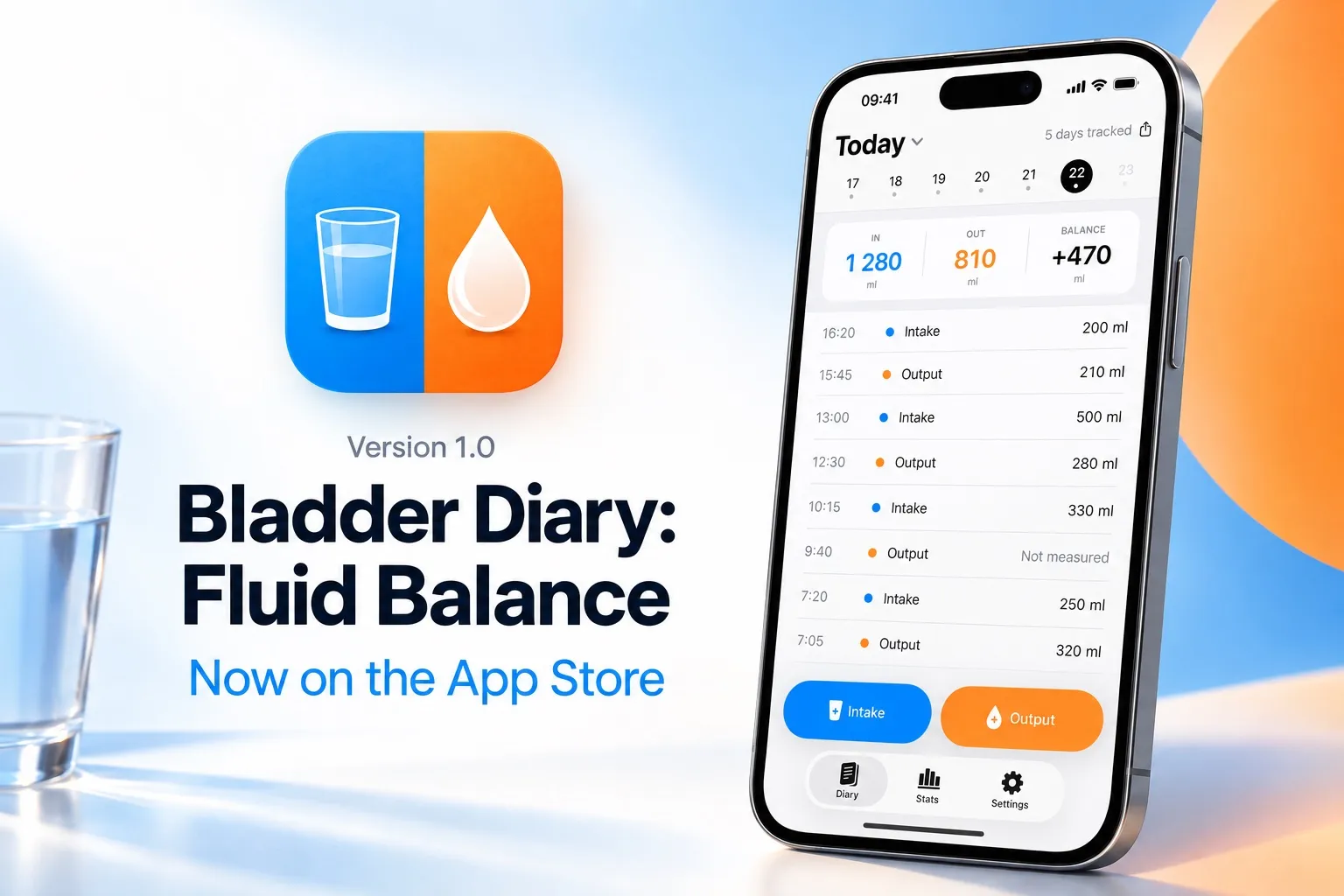
Bladder Diary: Fluid Balance 1.0 went live on the App Store on 29 August 2026. It is a bladder diary for iPhone and Apple Watch: what you drink, what you pass and when, kept for the three to seven days a doctor asks for, with a PDF report at the end. The app is free; Pro is a one-time purchase.
This post is the record of what the first version contains. Later versions will get their own posts, so there is always a place to see what changed and when.
What’s in 1.0
Logging. Tap + Intake or + Output, then a preset: 100, 200, 250, 330 or 500 ml, or Custom for an exact number. The entry is saved with the time. Not measured records a trip to the toilet without a volume; it counts towards frequency and night events and stays out of the totals. Any entry can be edited afterwards: time, type, volume, and a note.


Today. IN, OUT and BALANCE at the top of the screen, the day’s entries below, and a row of recent days to move between.

Stats. A grid of the last five weeks showing which days have a diary. Advanced analytics, part of Pro, adds five charts: intake and output by day, volumes by hour, night-time trips over time, the spread of voided volumes, and the gaps between trips. The first chart is free.


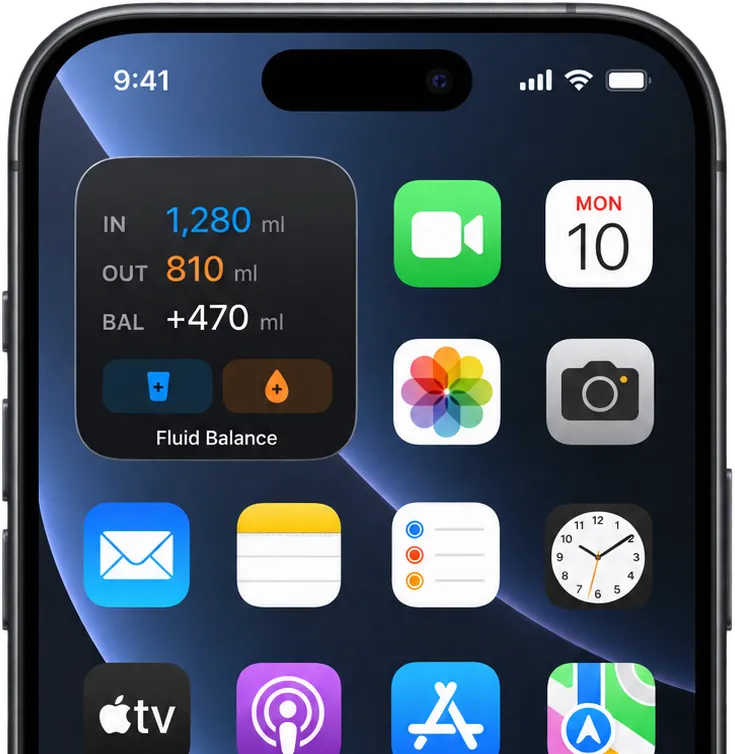
Report. A PDF for any range, laid out the way a bladder diary is normally read: daily totals, every voided volume with its time, night events, days recorded, and the averages a clinician looks for. Print it, email it, or show it on the phone. CSV export of the whole history is free.
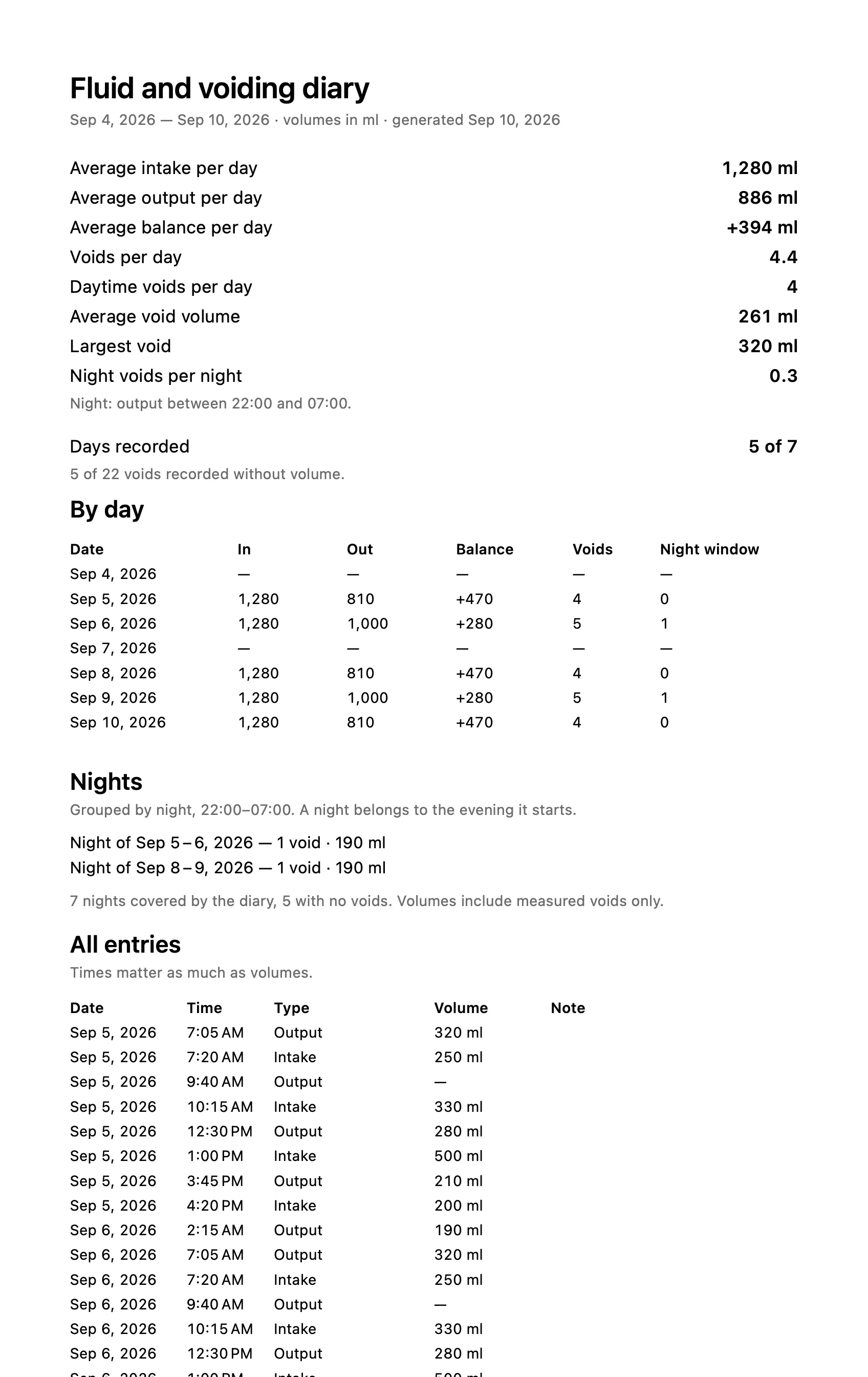

Widgets and Apple Watch. A Home Screen widget and a Lock Screen widget with the day’s totals and the two buttons. The Apple Watch app has the same presets and Not measured.
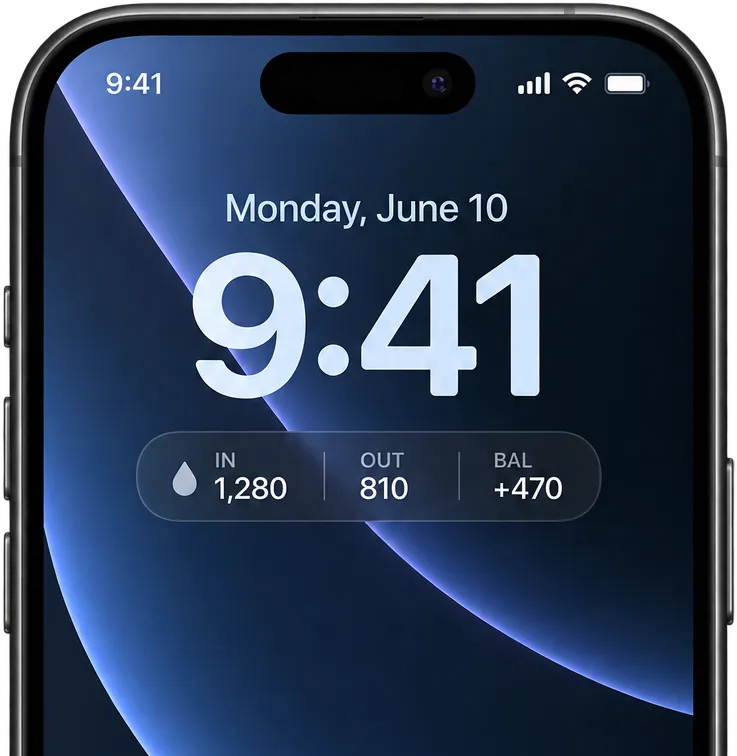
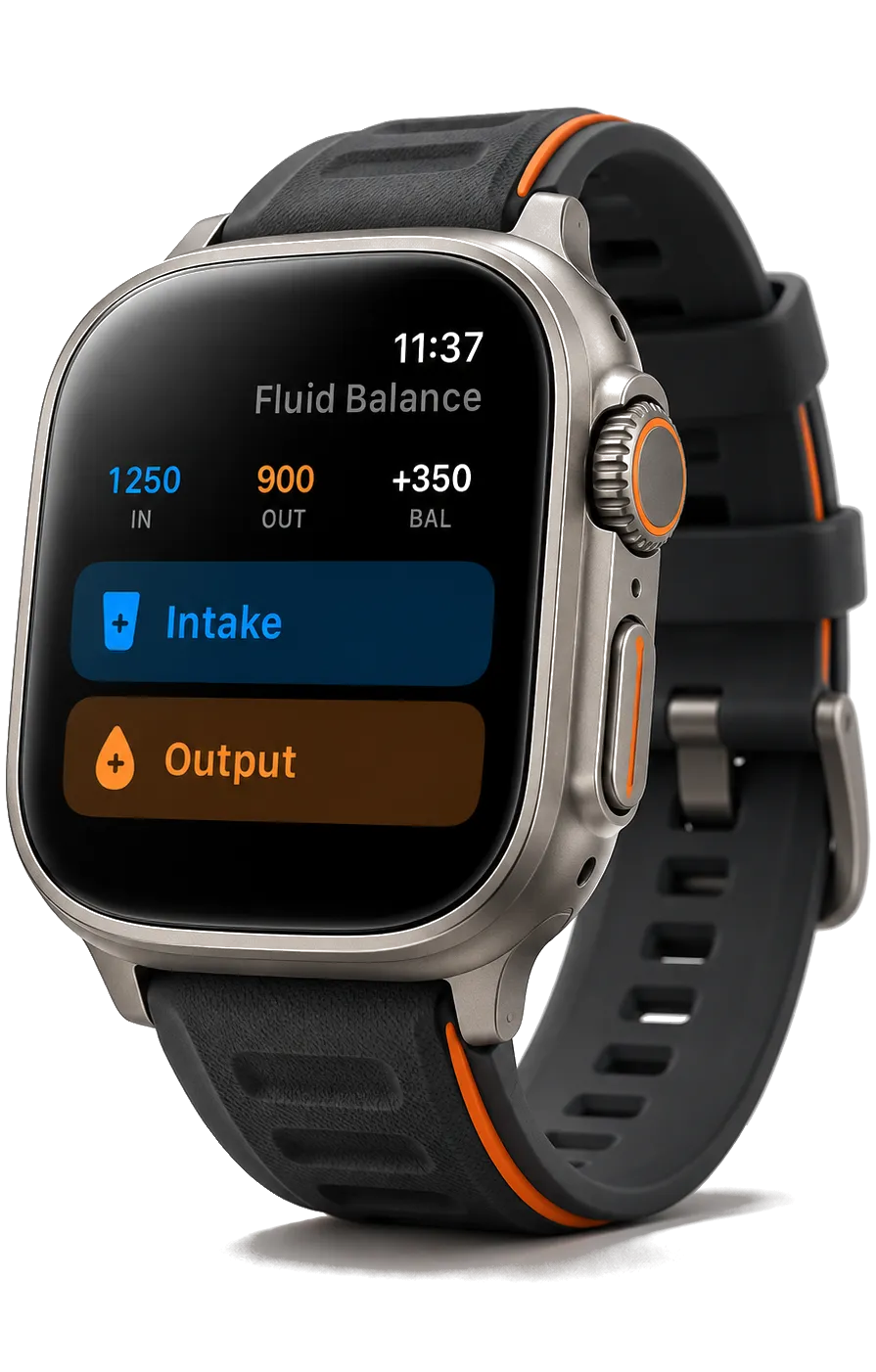
iCloud. Entries sync between your own devices through your private iCloud database. There is no account and no server of ours.
Reminder. An optional daily reminder to fill in the diary, off by default. Its text never says what the app is for.
Delete all data. One step in Settings. It clears the device and, if iCloud is on, your iCloud copy.
Languages. English, German, French, Spanish, Italian, Portuguese (Brazil), Russian, Japanese, Korean and Simplified Chinese. The PDF report is translated too; CSV stays in English.
Free and Pro
Logging, the Today screen, Stats, widgets, Apple Watch, iCloud and CSV export are free, for as long as you use the app. Pro is a one-time purchase, not a subscription: it adds the PDF report, the Advanced analytics page and a dark app icon. Nothing interrupts an entry to ask you to upgrade.
Privacy
The App Store privacy label is Data Not Collected. The app has no analytics, no crash reporting, no advertising and no third-party code. Entries live on your device and, if you turn it on, in your own iCloud. The privacy policy has the details.
What it does not do
It does not diagnose, does not compare your entries to a norm, does not interpret them and does not remind you to drink. It records what you tell it and hands the record back to you. If you are new to bladder diaries, how to keep a bladder diary explains what to record and why.
Requirements
iPhone with iOS 18 or later. Apple Watch with watchOS 11 or later. On an iPad it runs as an iPhone app. App Store category: Medical. Download size: about 11 MB.
Version history
| Version | Date | What changed |
|---|---|---|
| 1.2 | 26 October 2026 | Urge rating, reminders only on days with no entries, yesterday card, 12- or 24-hour time, iPhone Duo, large widget, four new languages |
| 1.0 | 29 August 2026 | First release |
Questions or requests: Support has the answers to the common ones and the address to write to.